
A bird camera for your window
Who came to your window today?
Stand a spare iPhone on the windowsill. Sill watches all day, keeps a short clip of every bird that lands, and tells you who came. Pay once. No camera to buy.
Coming soon to iPhoneiPhone XS or newer · Pay once · No account
- Every visit, with the time
- Names the birds with you
- No subscription
How it works
Three steps, two minutes.
No mounting, no wiring, no account. If you can stand a photo frame on a shelf, you can set up Sill.
- 1
Stand it on the sill
Any iPhone XS or newer, plugged in, back camera to the glass. A little stand or a book behind it works fine.
- 2
Frame the spot
Drag the yellow box over the feeder or branch where birds land. Sill checks the picture with you.
- 3
Tap Watch
That's it. Sill rests the screen dark and keeps a short clip of every bird that lands, all day.
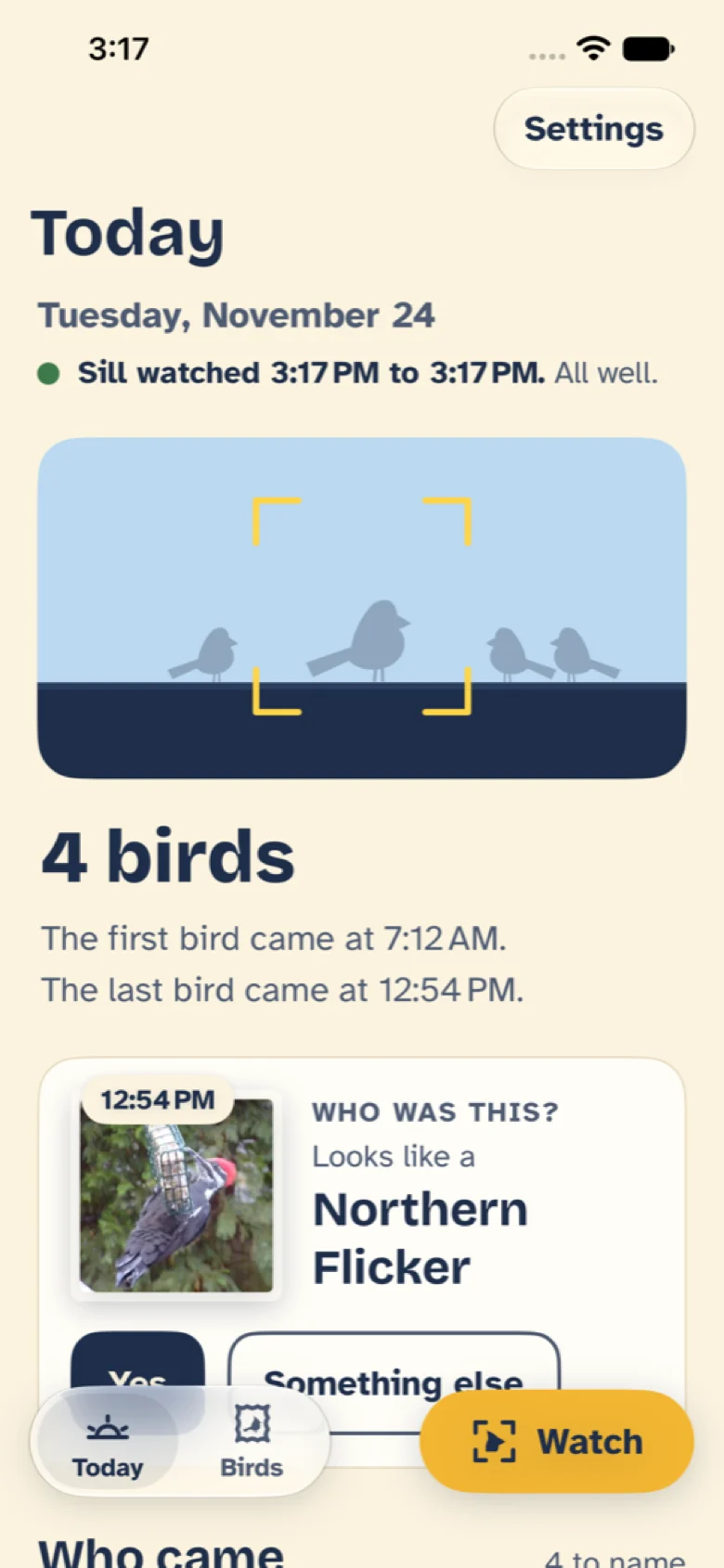
Your Today page
Who came, when, and for how long.
Every visit is a short clip with the time on it, newest first. Coffee in hand, you see the whole morning in ten seconds.
- The first bird of the day, and the last
- How many came, and how many kinds
- New visitors marked with a stamp
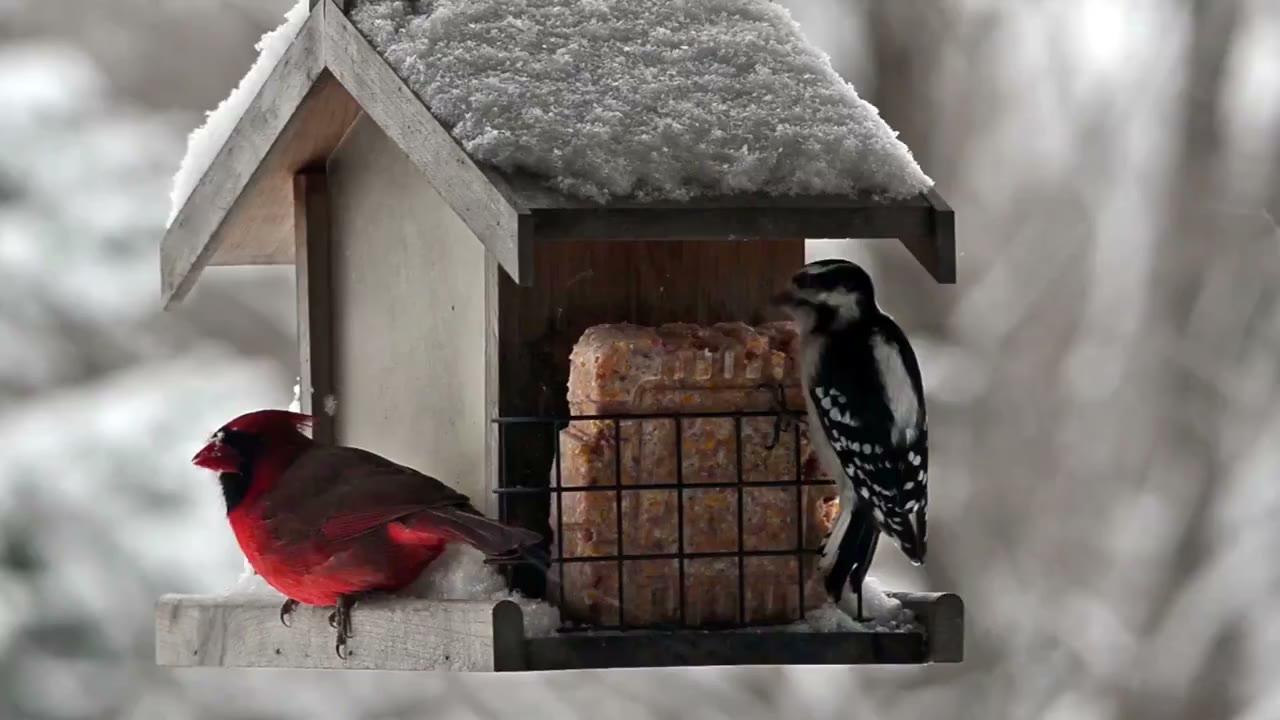 7:12 AM
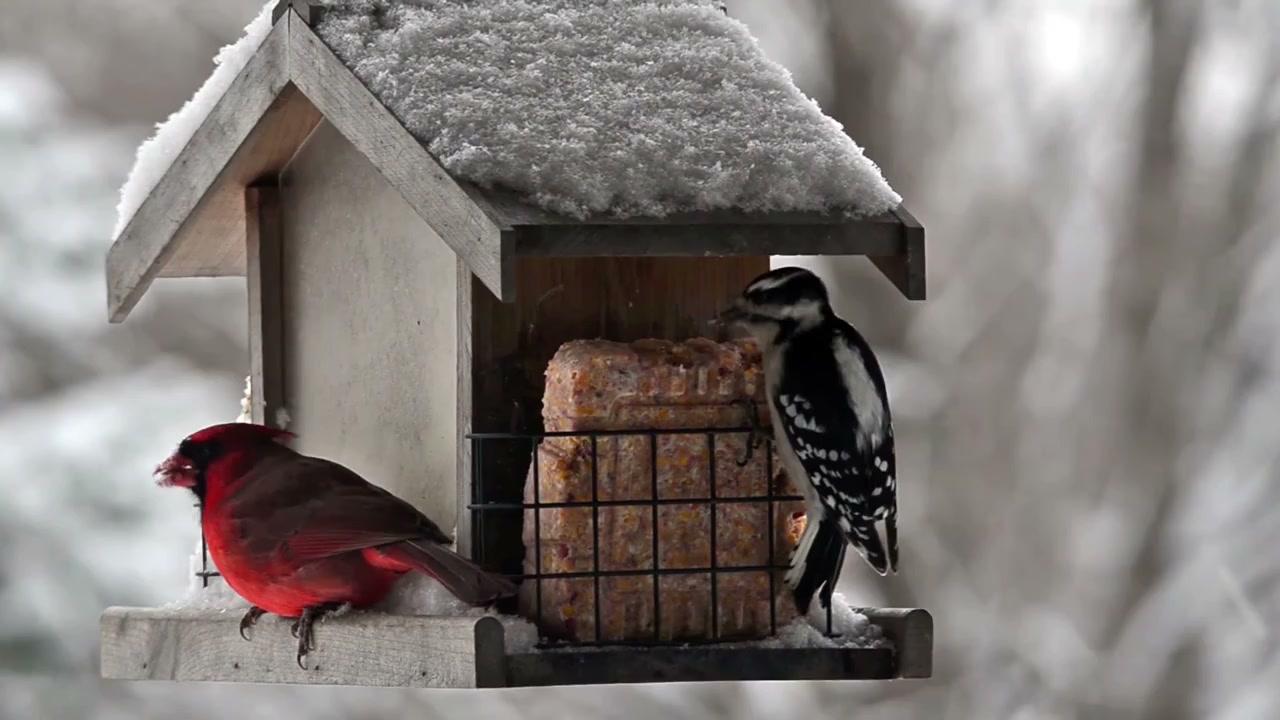 9:06 AM
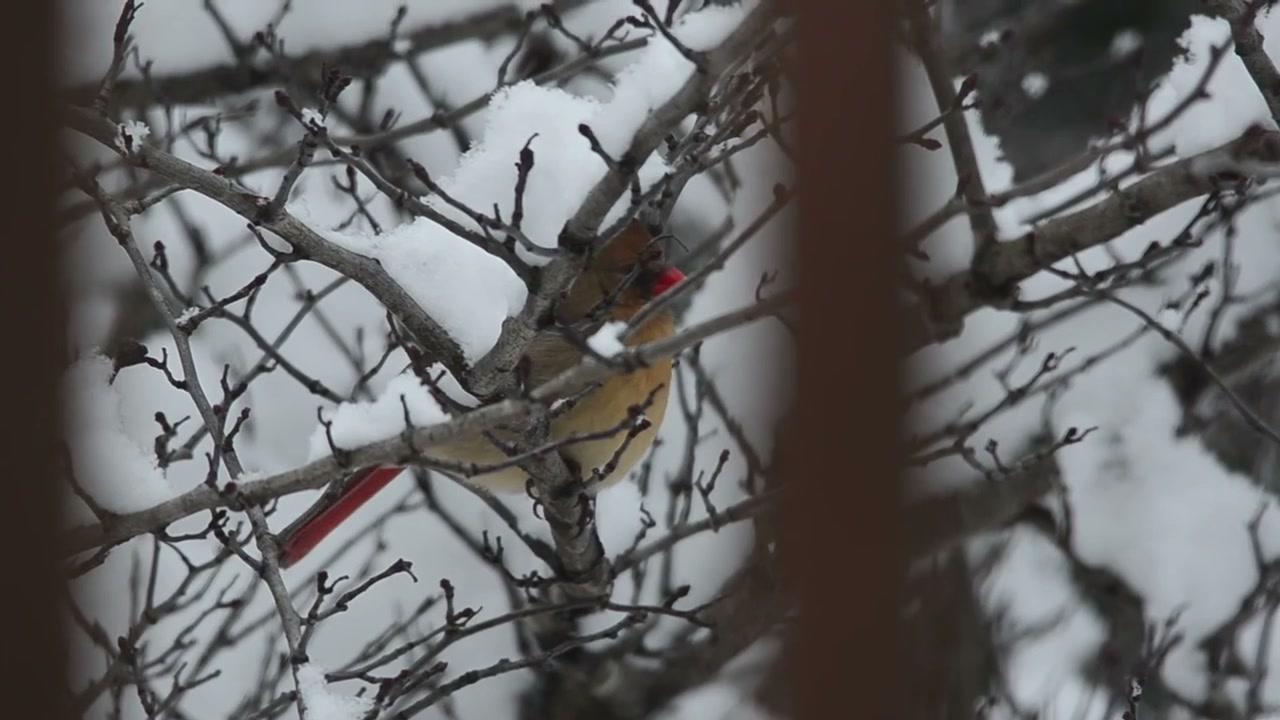 11:30 AM
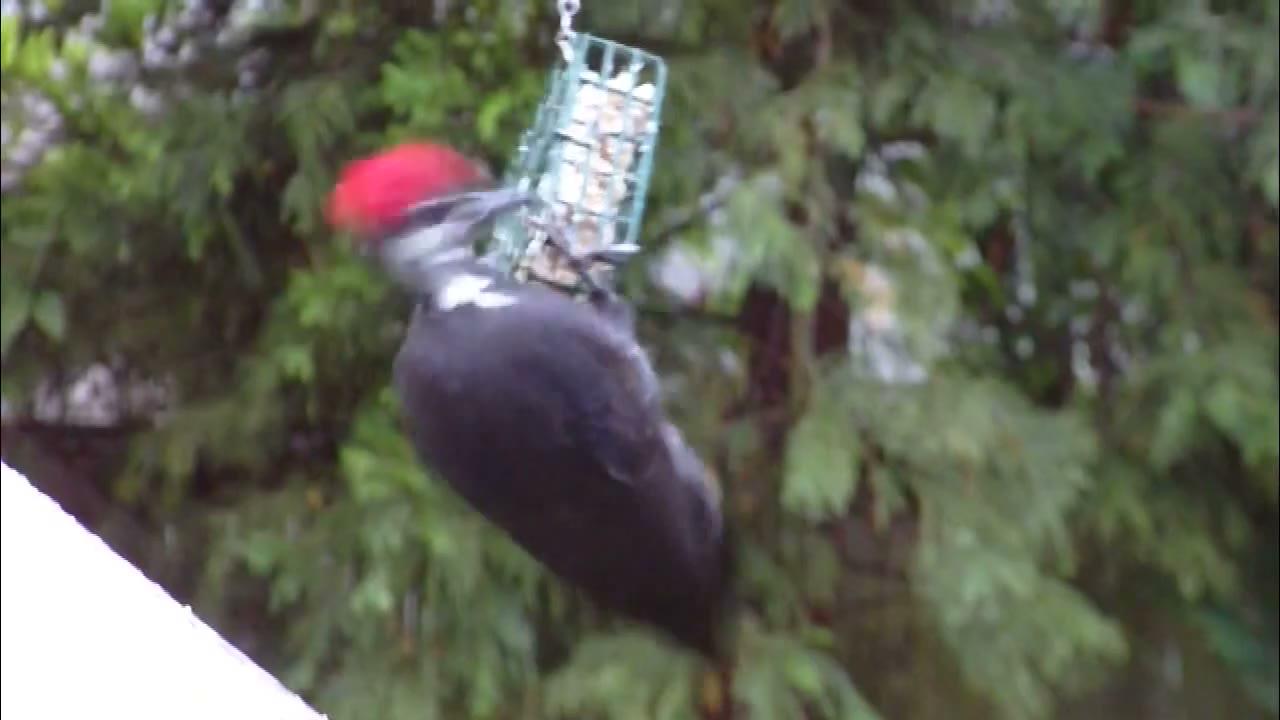 12:54 PM
Who was this?
Looks like a
Northern Flicker
Go on, tap Yes. This is how naming works in Sill.
Who was this?
Sill suggests. You decide.
For each new visitor Sill says who it thinks it was, honestly: “Looks like a Northern Flicker?” Tap Yes, or pick something else from a short list with pictures.
- About 60 backyard birds of North America
- Never pretends to be sure
- Confirm once and it's in your album
Your stamp album
Every new kind of bird is a stamp.
The first time you name a bird, its stamp lands in your album with its number. Then Sill shows you who to watch for next.
Who to watch for next
Greetings from our
WINDOW
Tuesday, 7:12 AM · came 4 times
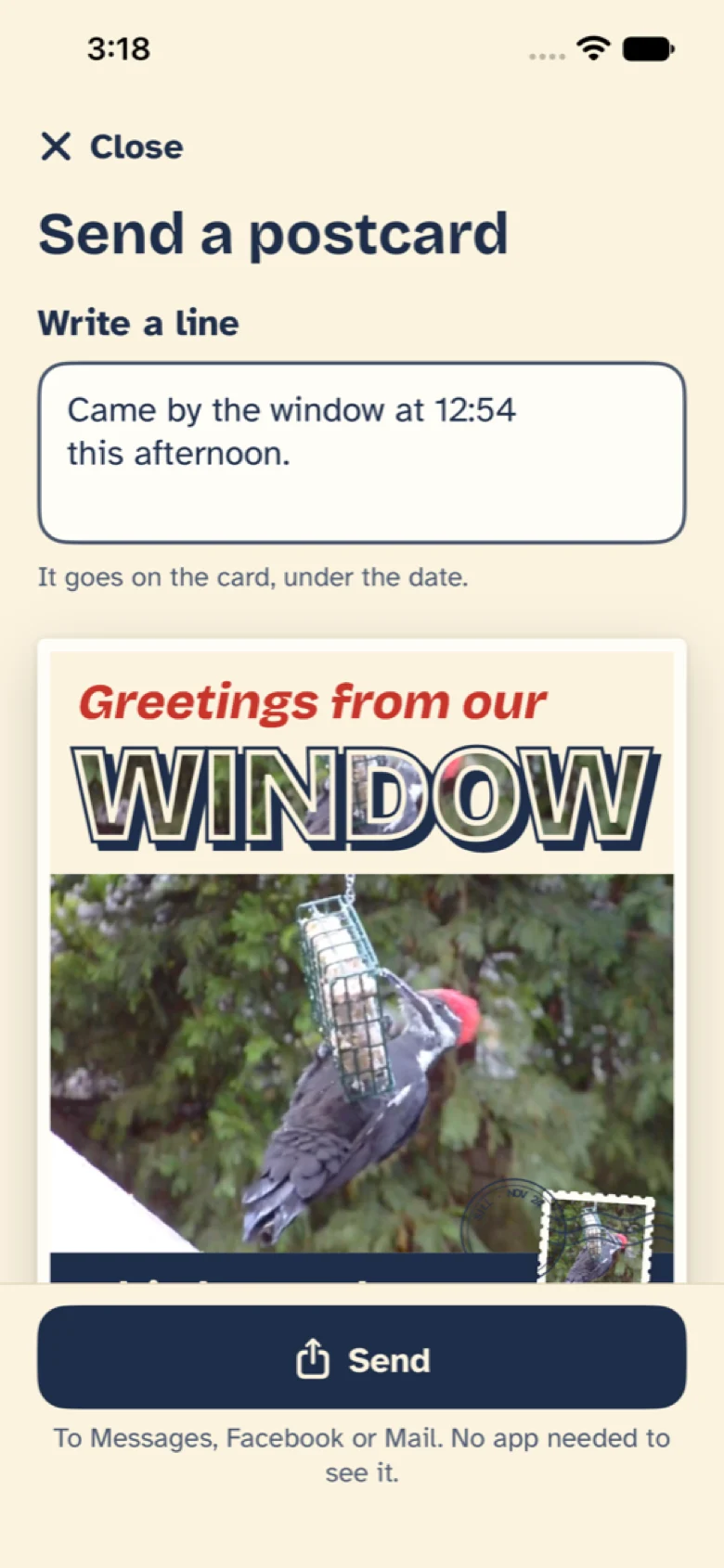
Postcards
Send the family today's bird.
Open any visit and tap Send a postcard. Sill lays out the bird, its name, the time and your note, ready for Messages, WhatsApp, Facebook or email. Nobody needs the app to see it.
- One tap from any visit
- Write a line, or don't
- Looks lovely on any phone
While it watches
A dark picture frame on your sill.
Sill turns the screen fully dark between visits, so it stays cool and draws almost nothing. Glance over and you’ll see the time and today’s birds standing on a little drawn sill. When one lands: “A bird is here.”
- No glow in the room at night
- Readable from across the room
- No sounds, no buzzing
A bird is here
5 birds today
7:12
Tuesday, November 24
Pay once
No subscription, no monthly fee, no trial that turns into a bill.
No account
No sign-up, no password, no email needed to use it.
Your clips stay yours
Videos stay on your iPhone. No ads, no tracking in the app.
Made for your eyes
Big text, high contrast, a word on every button.
Questions
Good questions.
Which iPhone do I need?
Any iPhone that runs iOS 17 or later: the iPhone XS, XR or anything newer. An old one from a drawer is perfect. It doesn't need a SIM card or a phone plan, only Wi-Fi to set up.
Does it work through the window glass?
Yes. Stand the phone close to the glass with the back camera facing out. Sill's setup checks the picture with you: a clean pane and the lens near the glass avoid reflections. A feeder or a branch a few feet from the window works best.
Will it drain the battery or get hot?
Keep the phone plugged in while it watches. Sill turns the screen fully dark when nothing is happening, so it uses little power and stays cool. If the phone ever gets warm, Sill says so and pauses for a minute.
Is there a subscription?
No. You pay once and Sill watches your window for as long as you like. No account to create, no monthly fee.
What happens to my videos?
Your clips stay on your iPhone. There's no account, no ads and no tracking inside the app. You choose what to share.
How does it know which bird it is?
Sill suggests who it thinks came, like "Looks like a Downy Woodpecker?". You confirm with Yes or pick something else. It never pretends to be sure.
Your window has stories. Sill keeps them.
The cardinal at 7:12. The woodpecker who stayed for lunch. The one you'd never have seen.
Coming soon to iPhone · Pay once · No subscription